
Modern office lighting has to do more than make a room bright. Employees work on screens, read printed documents, join video calls, move between focus areas and meeting rooms, and often spend long hours under the same ceiling system. If the lighting creates direct glare, reflected glare, harsh contrast, or visual discomfort, people may not immediately blame the luminaires, but their work experience can suffer.
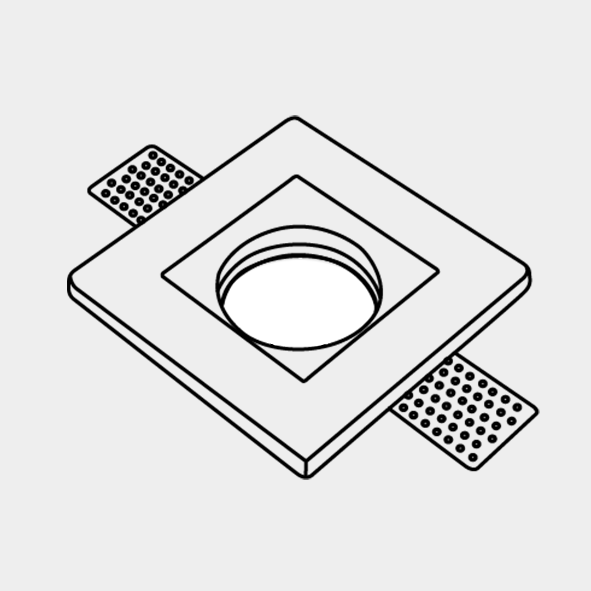
This is why glare control in surface downlights has become an important specification topic for office projects. Surface downlights are useful where recessed installation is difficult, where the ceiling structure is exposed, or where a clean mounted fixture is preferred. However, because they are visible and often placed directly in the visual field, optical control is critical. Buyers can review Enton LED’s surface downlight category and related Surface Mounted Downlight Fixture #ETI1111 for commercial indoor lighting projects.
Why Glare Control Matters in Office Productivity
Employee productivity is affected by many factors: management, workload, furniture, acoustics, air quality, technology, daylight, and lighting. Lighting alone does not create a productive workplace, but poor lighting can quietly reduce comfort and concentration. Glare is one of the most common reasons office lighting feels tiring even when measured brightness appears acceptable.
In a modern office, glare can cause:
- Eye strain during screen-based work.
- Squinting, blinking, or frequent visual fatigue.
- Awkward posture as employees lean away from bright reflections.
- Reduced comfort in video calls and meeting rooms.
- Lower perceived quality of the workplace interior.
- More complaints after a lighting upgrade, even when energy use improves.
The OSHA computer workstation guidance recommends well-distributed diffuse light for computer work because it reduces hot spots and glare surfaces in the visual field. For office lighting buyers, this connects glare control directly with everyday workstation comfort.
What Is Glare in Office Lighting?
Glare happens when brightness is too intense, poorly placed, or too different from the surrounding visual field. It is not only about the fixture being bright. It is about how the light source, ceiling, desk, screen, walls, and worker’s eye position interact.
Office glare usually appears in two ways:
- Direct glare: the employee can see a bright light source or bright lens directly.
- Reflected glare: the fixture reflects from a monitor, glossy desk, glass partition, whiteboard, polished floor, or metal surface.
Both types matter. Direct glare can make employees uncomfortable when looking across the room. Reflected glare can make screens harder to read, especially in open offices where workstations face different directions. Good surface downlight design reduces both risks through optics, layout, aiming logic, and controls.
Why Surface Downlights Are Useful in Modern Offices
Surface downlights are installed on the ceiling surface instead of being fully recessed into the ceiling. This makes them useful in offices with concrete slabs, limited ceiling depth, exposed ceilings, retrofit projects, or interiors where the designer wants a visible but clean fixture form.
They can be used in:
- Open-plan work areas.
- Private offices and executive rooms.
- Meeting rooms and training rooms.
- Reception and waiting areas.
- Corridors, pantry areas, and collaboration zones.
- Renovation projects where recessed cutting is limited.
Compared with some decorative ceiling lights, surface downlights can provide more controlled downward illumination. Compared with recessed downlights, they may simplify installation in difficult ceilings. But the visible fixture body also means the designer must choose the right housing depth, reflector, lens, diffuser, beam angle, and fixture spacing.
The Link Between Glare and Screen-Based Work
Most office employees spend a large part of the day looking at digital screens. A glare problem that seems small during a quick site visit can become frustrating after hours of work. Employees may tilt monitors, lower screen brightness, close blinds, move chairs, or lean forward to avoid reflections. These small adjustments can reduce comfort and distract from focused work.
The OSHA monitor guidance notes that overhead lights may create glare on screens and can contribute to eyestrain or awkward postures when people try to avoid that glare. For office lighting projects, this means luminaire selection should be coordinated with desk orientation, monitor placement, daylight, and wall finishes.
Surface downlights with better glare control can help by reducing bright visible points, spreading light more comfortably, and preventing excessive contrast between the ceiling fixture and surrounding surfaces.
How Glare-Controlled Downlights Support Productivity
Glare-controlled lighting supports productivity indirectly. It helps create an office environment where employees can read screens comfortably, maintain better posture, work longer with less visual stress, and move between tasks without constant lighting discomfort.
Better glare control can support productivity through several practical pathways:
- Fewer visual distractions: employees spend less attention avoiding bright fixtures or screen reflections.
- More comfortable screen reading: documents, dashboards, spreadsheets, drawings, and communication tools are easier to view.
- Better posture: workers are less likely to lean, twist, or lower their heads to escape glare.
- Improved meeting experience: faces, presentations, whiteboards, and video calls look more balanced.
- Higher workplace satisfaction: a comfortable office feels more professional and carefully designed.
In other words, glare control does not magically increase output by itself. It removes a visual obstacle that can make office work harder than necessary.
Choose Optical Design Before Wattage
Many office buyers still compare downlights mainly by wattage, lumen output, and unit price. Those numbers are important, but they do not explain visual comfort. Two surface downlights with similar wattage may feel very different if one has a shallow bright lens and the other uses a deeper reflector or better shielding.
Important optical details include:
- Reflector depth and finish.
- Lens or diffuser quality.
- Cut-off angle and shielding.
- Beam angle options.
- Fixture brightness at common viewing angles.
- Accessory options such as honeycomb, baffle, or anti-glare ring.
Buyer tip: Do not approve an office surface downlight only from a front-view product photo. Ask for side-view structure, light distribution information, beam options, and real application photos if available.
UGR and Office Lighting Specifications
UGR, or Unified Glare Rating, is often discussed in office lighting because it helps evaluate discomfort glare in indoor spaces. UGR depends not only on the fixture but also on room size, surface reflectance, luminaire position, viewing direction, and layout. A product may be described as suitable for low-glare applications, but the final office result still depends on design.
For professional buyers, the practical approach is to ask the supplier for photometric information and low-glare options, then coordinate with the project lighting designer or electrical consultant. For offices with dense computer work, glare control should be part of the specification from the beginning, not a complaint solved after installation.
The WELL electric light glare control feature focuses on minimizing direct and overhead glare by setting limits on luminaire luminous intensity. Even when a project is not pursuing WELL certification, the idea is useful: office lighting should consider occupant comfort, not only illuminance levels.
Fixture Spacing and Layout Affect Glare
A good surface downlight can still perform poorly if the layout is wrong. Fixtures placed too close together may create an overly bright ceiling rhythm. Fixtures placed directly above monitor rows may create screen reflections. Fixtures placed without considering workstation orientation may make one employee comfortable while another sees direct glare all day.
Office lighting layout should consider:
- Desk rows and monitor direction.
- Employee eye level when seated and standing.
- Ceiling height and fixture drop depth.
- Spacing-to-mounting-height ratio.
- Whiteboard and presentation screen locations.
- Glass partitions, glossy desktops, and reflective finishes.
- Daylight from windows and shading strategy.
In open offices, a more uniform and softly controlled lighting plan often feels better than aggressive bright spots. In meeting rooms, the lighting should support faces, tables, walls, and screens without creating uncomfortable overhead glare.
Balance Brightness, Uniformity, and Visual Interest
Office lighting should not be flat and lifeless, but it should also avoid harsh contrast. Too little contrast can make the office feel dull. Too much contrast can make the eyes constantly adapt between bright fixtures, dark ceilings, screens, and task surfaces.
Glare-controlled surface downlights help create a better balance. They can deliver useful task illumination while keeping the visible light source more comfortable. When combined with indirect light, wall lighting, or daylight, the office can feel bright without feeling sharp.
The WELL visual lighting design feature emphasizes adequate light levels and balanced luminance within indoor spaces. This is a helpful principle for office projects: comfortable brightness distribution matters as much as the fixture count.
Do Not Forget Color Quality and CCT
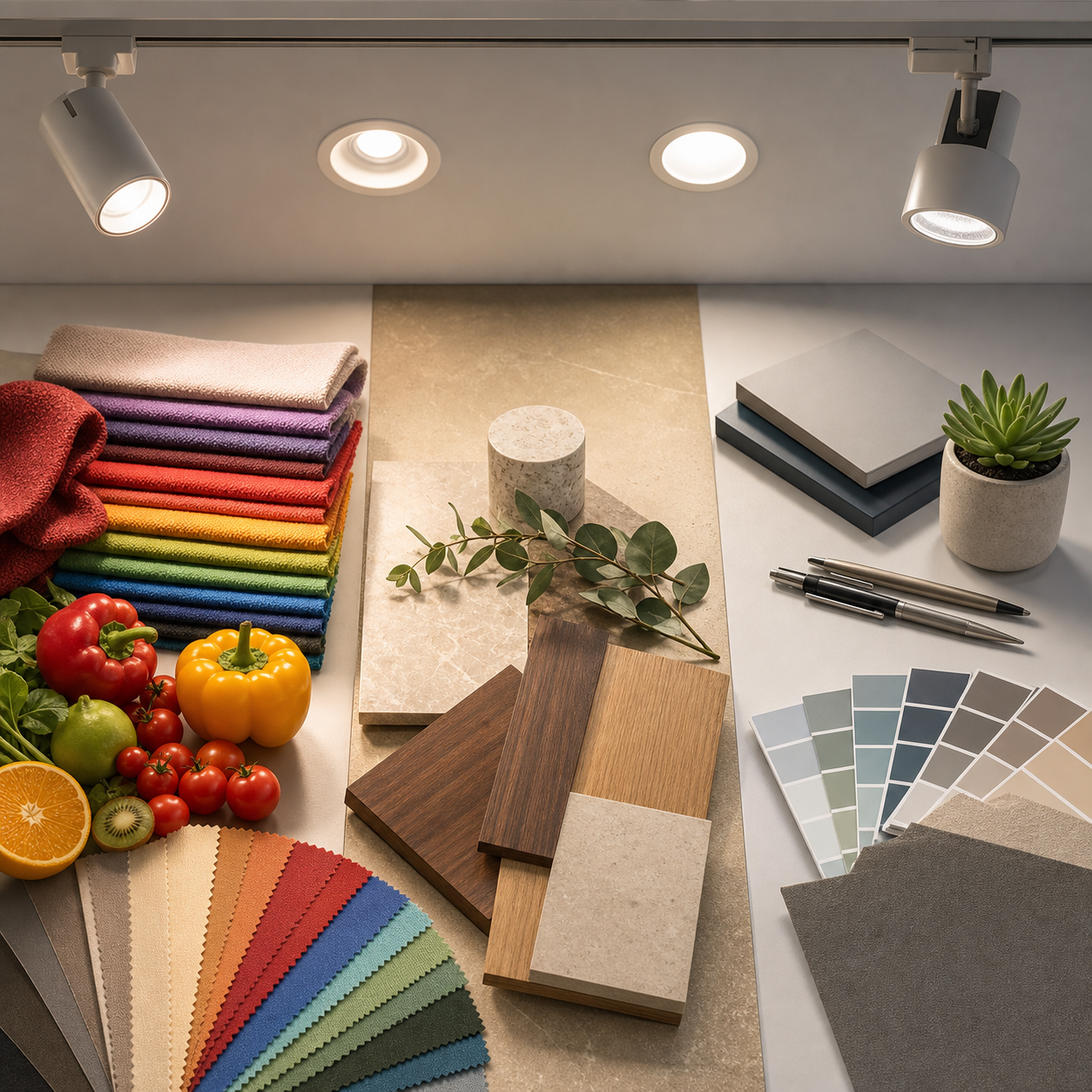
Glare control is not the only comfort factor. Color temperature and color rendering also affect how an office feels. A low-glare fixture with poor color quality may still make the space feel dull, while a high-output fixture with the wrong CCT may feel too cold or too warm for the brand and work style.
Common office CCT choices include 3000K, 3500K, and 4000K, depending on the design concept, daylight, furniture, and regional preference. CRI 80 may be acceptable in many general offices, while CRI 90+ may be preferred in design studios, client-facing meeting rooms, sample review areas, showrooms, and premium offices.
Enton LED’s guide to high CRI lighting in retail, hospitality, and office environments explains why color quality can affect materials, finishes, and visual perception. For office surface downlights, CRI should be reviewed together with glare control, not separately.
Dimming and Controls Help Reduce Glare During the Day
Glare is not static. A lighting scene that feels comfortable in the morning may feel too bright at noon when daylight increases. A meeting room may need brighter light for cleaning, softer light for video calls, and balanced vertical light for presentations. Dimming and control compatibility make surface downlights more adaptable.
The U.S. Department of Energy lighting controls overview explains common control methods such as dimmers, timers, sensors, and photosensors. In office projects, controls can help match light levels to task, daylight, and occupancy instead of forcing every area to run at one fixed output.
Buyers should confirm driver type, dimming protocol, minimum dimming level, flicker expectations, and control system compatibility before ordering. A glare-controlled fixture still needs stable dimming behavior if the office relies on scenes.
Where Surface Downlights Work Best in Offices
Surface downlights can work across many office zones, but the specification should change by space type. A reception area may need a more polished visual fixture. A focused work area may need lower glare and better uniformity. A meeting room may need dimming and careful screen coordination. A corridor may need reliable general lighting with easy maintenance.
Useful applications include:
- Open workstations: choose low-glare optics, careful spacing, and desk-aware layout.
- Private offices: balance work surface lighting, video call comfort, and wall brightness.
- Meeting rooms: coordinate lights with screens, whiteboards, cameras, and dimming scenes.
- Reception areas: combine surface downlights with accent lighting for a premium first impression.
- Corridors: use consistent spacing and controlled output to avoid harsh ceiling spots.
- Renovation projects: use surface-mounted options where recessed installation is not practical.
For projects that also require recessed products, Enton LED’s article on choosing recessed downlights for luxury hotel projects covers related ideas such as visual comfort, beam angle, trim detail, dimming, and supplier support.
Common Mistakes When Buying Office Surface Downlights
Office lighting problems often start during procurement. The buyer may choose the cheapest fixture, the brightest option, or the product with the fastest delivery without checking the visual result. This can lead to complaints after installation, especially in computer-heavy workplaces.
Avoid these common mistakes:
- Choosing by wattage only.
- Ignoring direct glare from the seated employee’s eye level.
- Using one beam angle for every office zone.
- Forgetting monitor reflections and whiteboard glare.
- Skipping dimming compatibility checks.
- Specifying CCT without reviewing real office finishes.
- Ordering mass production before sample testing.
- Not keeping replacement and repeat-order records.
Enton LED’s article on red flags when choosing a commercial lighting supplier can help buyers evaluate whether a supplier can support technical specification, communication, testing, documentation, and repeat order consistency.
Specification Checklist for Glare-Controlled Surface Downlights
Before approving surface downlights for a modern office project, buyers should confirm the details that affect visual comfort and long-term performance.
- Fixture size, mounting method, and ceiling compatibility.
- Lumen output, wattage, efficacy, and beam angle.
- Anti-glare structure, reflector depth, cut-off angle, diffuser, or baffle options.
- UGR-related photometric data or low-glare application guidance when available.
- CCT, CRI, color consistency, and optional high CRI versions.
- Dimming driver type and control system compatibility.
- Flicker expectations for office and video-call environments.
- Housing finish, visual appearance, and product family consistency.
- Thermal design, warranty, certifications, and test reports.
- Packaging, labels, installation instructions, spare parts, and repeat order control.
For schedule planning, Enton LED’s guide on lead times and shipping for bulk LED orders explains why samples, production, inspection, and logistics should be planned before the installation deadline.
How Enton LED Supports Office Surface Downlight Projects
Enton LED supplies indoor lights for commercial projects, including surface downlights, recessed downlights, ceiling lights, pendant lights, spotlights, and track lights. Project buyers can also browse the All Products page to compare broader lighting options.
For office projects, Enton LED can help buyers discuss surface downlight type, glare control, beam angle, CCT, CRI, dimming, housing finish, sample approval, packaging, production schedule, and repeat order requirements. For broader procurement strategy, Enton LED’s article on how a one-stop lighting manufacturer saves time and money explains why coordinated sourcing can reduce communication burden and project risk.
Conclusion
Glare control in surface downlights improves modern office lighting by making the visual environment more comfortable, balanced, and practical for screen-based work. It can reduce visual distraction, support better posture, improve meeting room comfort, and make the workplace feel more professional.
The best office result comes from specifying surface downlights as part of a complete lighting strategy. Buyers should review optical design, UGR-related data, fixture spacing, CCT, CRI, dimming, flicker, controls, finish, installation, and supplier support together. When those details are aligned, surface downlights can support a more comfortable and productive office environment instead of simply adding brightness to the ceiling.
FAQs About Glare Control in Office Surface Downlights
Are surface downlights suitable for office workstations?
Yes, surface downlights can be suitable for office workstations when they have good glare control, appropriate beam angles, careful spacing, and a layout that considers monitor direction and employee eye level.
What is the difference between brightness and glare?
Brightness describes how much light is present or how bright a surface appears. Glare is visual discomfort caused by excessive brightness, poor placement, strong contrast, or reflections. A bright office can still be comfortable if glare is controlled.
Should office surface downlights be dimmable?
Dimming is strongly recommended for many modern offices because different tasks, daylight levels, meetings, and video calls may need different light levels. Buyers should confirm driver and control compatibility before ordering.
Is UGR enough to choose an office downlight?
No. UGR is useful, but the final result also depends on room layout, ceiling height, surface reflectance, workstation direction, daylight, controls, and fixture spacing. Use UGR-related data together with sample testing and lighting design review.
How can buyers test glare before mass production?
Buyers can request samples, review the fixture from seated eye level, test it near monitors and glossy surfaces, compare beam angles, check dimming behavior, and confirm whether the supplier can provide low-glare optics or accessories.